Meta Analysis
The Meta Analysis tool helps you review and compare the metadata of apps you've marked as direct competitors. Here, you can analyze titles, subtitles, short descriptions, full descriptions, and keyword usage to see how top apps position themselves and which semantic patterns improve visibility.
Why to use: Identify keyword patterns and metadata decisions used by top competitors to discover opportunities for improving visibility and conversion rates.
Goal: Examine and compare competitor metadata to strengthen your keyword selection and messaging strategy.
Time: Up to 10 minutes.
1. Select Competitors to Analyze
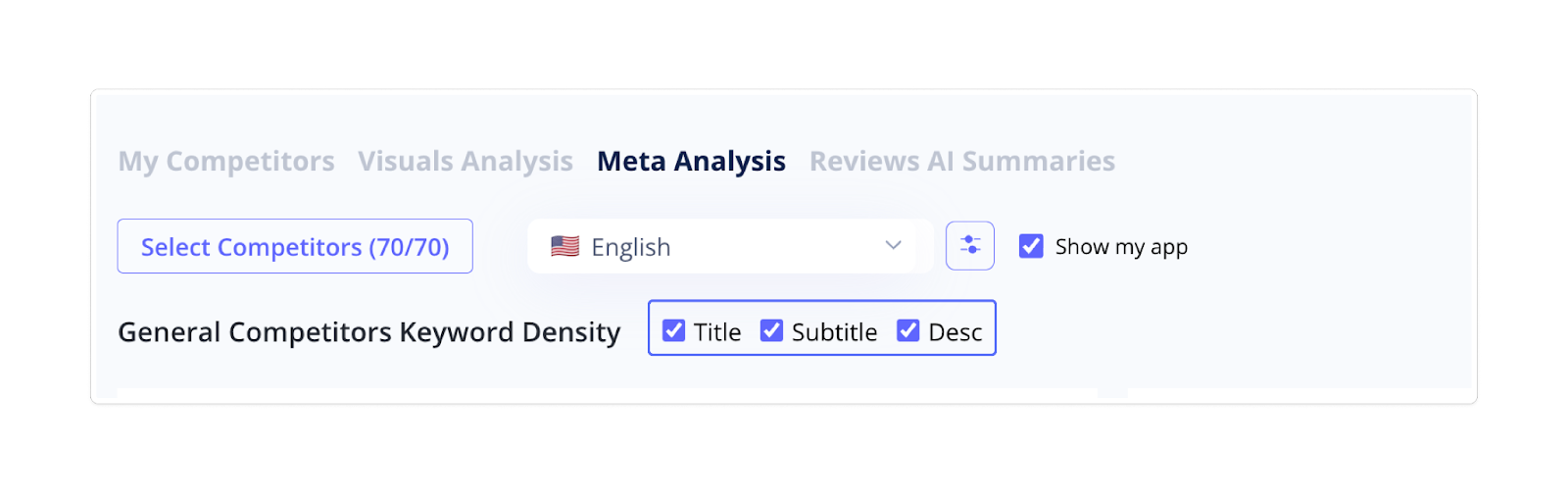
By default, the tool displays all apps you've marked as direct competitors. But you can use the selection button to narrow your focus or add more apps from the Recommended section to broaden your comparison. Selected competitors will appear in the table below.
You can also choose whether to include your own app in the analysis.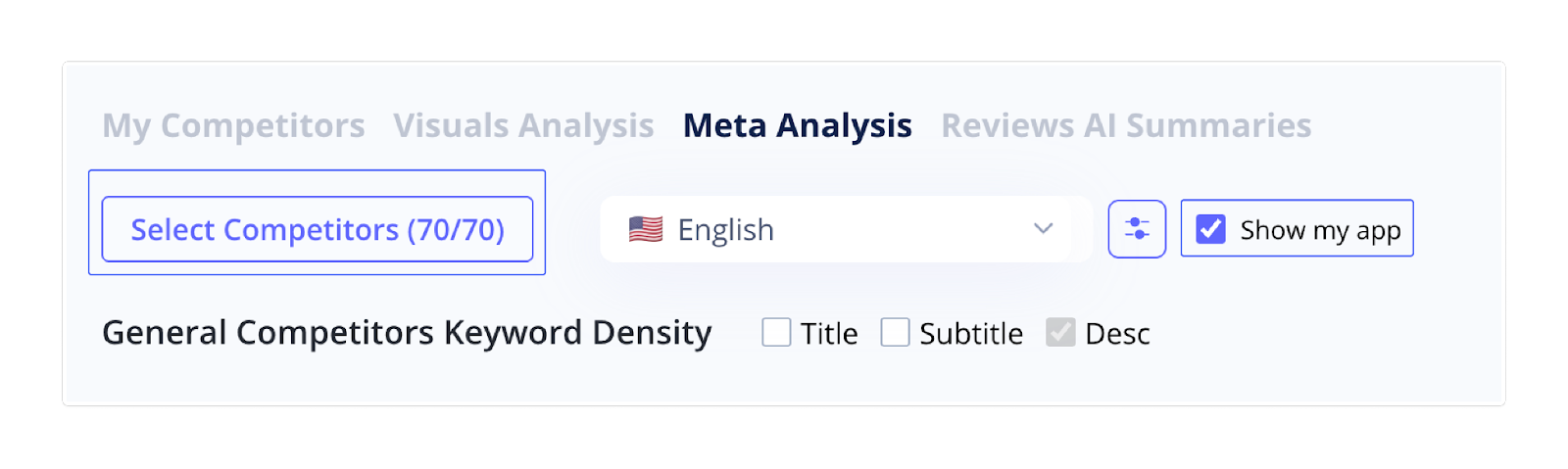 2. Choose Locale
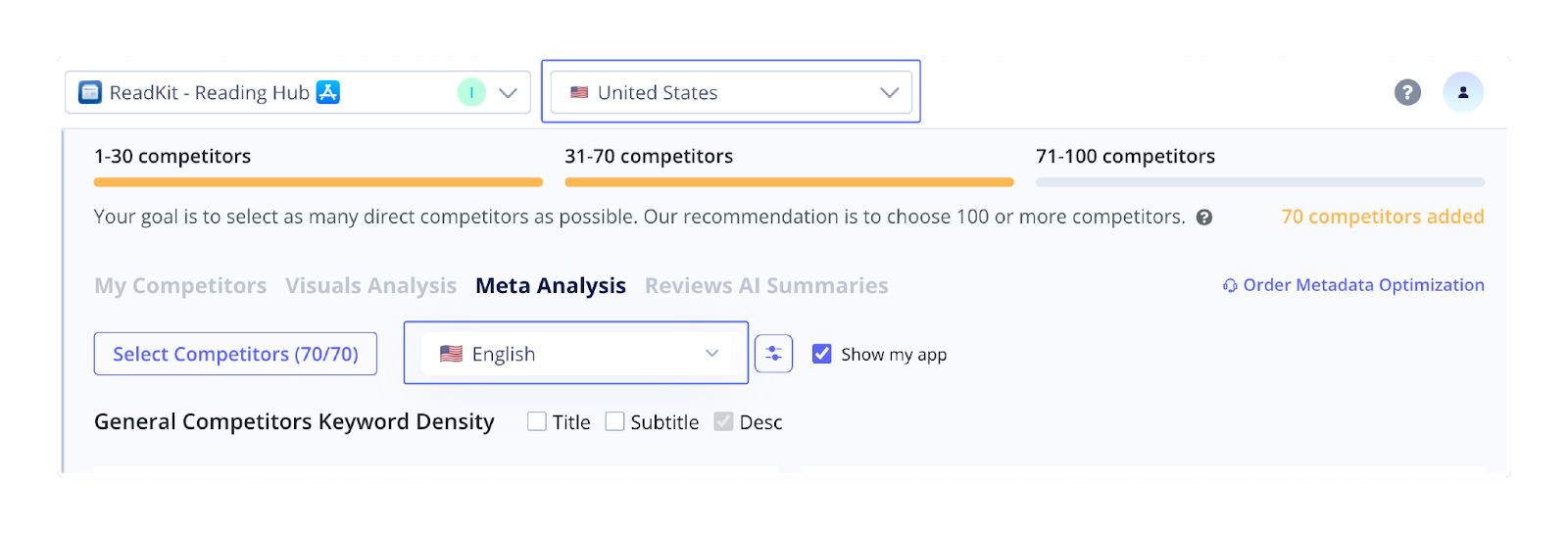
Select the locale and language you want to analyze. This helps you check whether competitors localize their metadata and how their messaging changes across different markets.
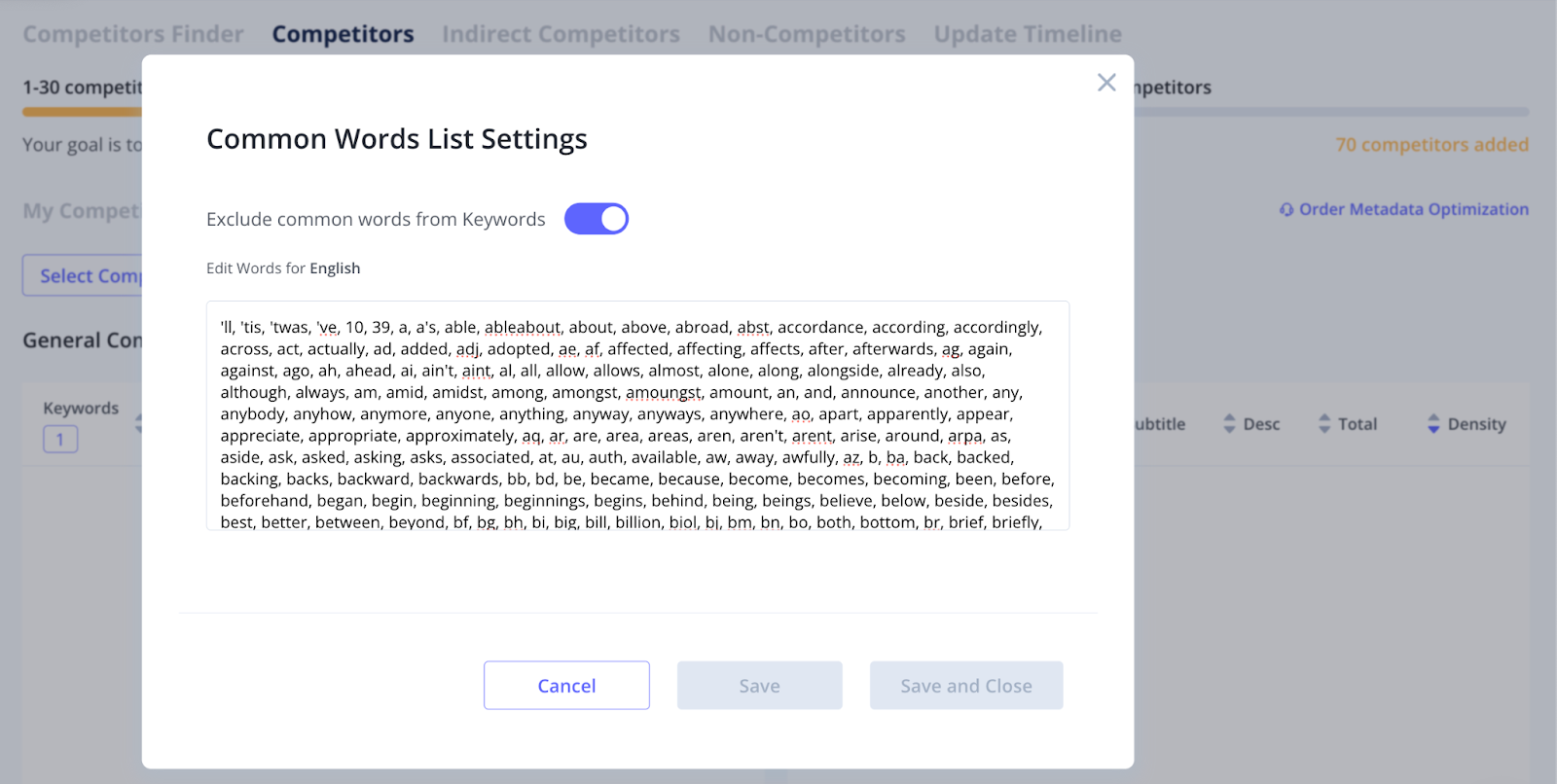
3. Adjust Common Words Exclusion Settings
Use the Common Words Exclusion option to filter out high-frequency "stop words" (e.g., and, the, to, for). When enabled, the keyword list becomes cleaner and easier to scan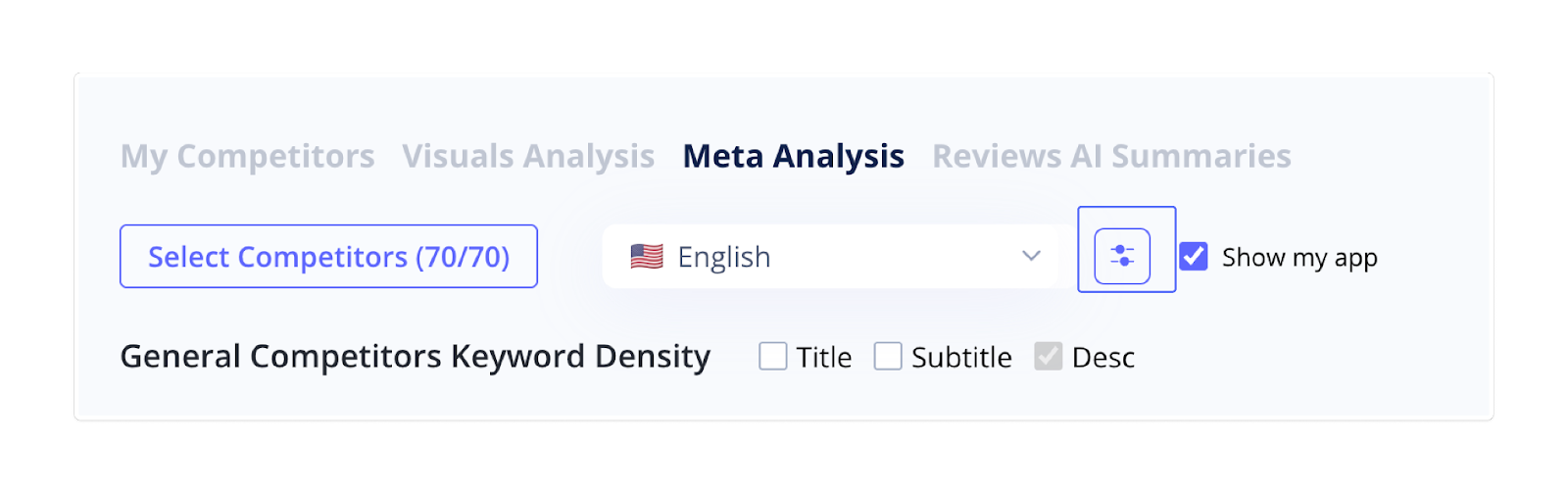
 4. Analyze General Competitor Keyword Density
The General Competitors Keyword Density section shows how often specific keywords appear across competitor metadata.
Here, you can:
- Identify commonly targeted terms
- Spot under-used keywords
- Find new semantic opportunities
Use Prev/Next to explore the full list, and sort keywords in ascending or descending order to highlight frequently used or rare terms.
5. Examine Competitors Table
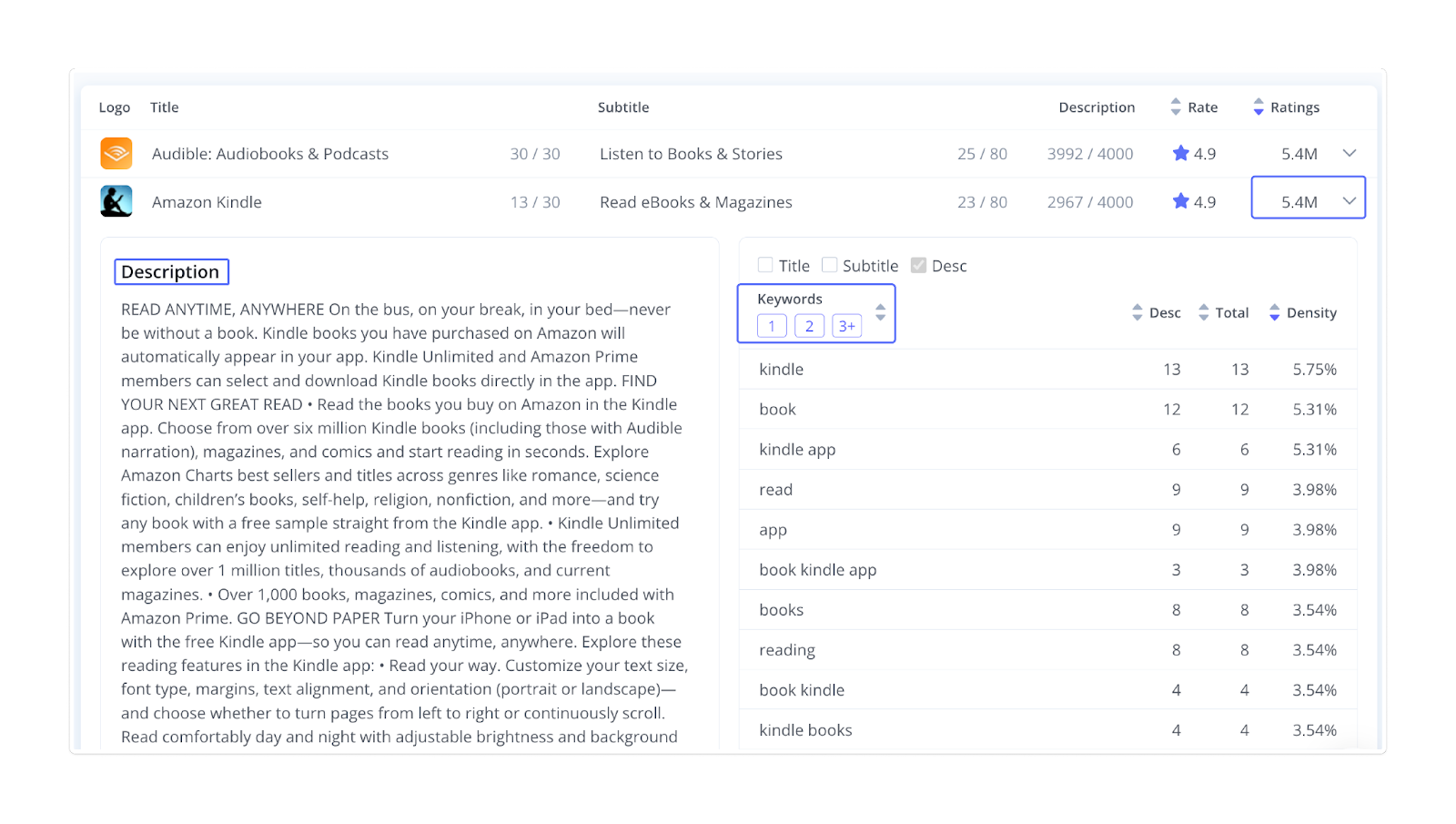
Under the keyword density section, you'll find a table with all apps you've included in your analysis.
Each row displays key metadata elements such as:
- Logo & App Title
- Title length
- Subtitle / Short description
- Subtitle (Short description) & description length
Rating score & total ratings