Selected Competitors
The Selected Competitors tool helps you examine and manage apps you've added to your competitor list. Here, you'll find real app store data and relevant metrics for benchmarking.
Why to use: Analyze selected competitors to understand market trends and competitive strengths.
Goal: Benchmark your app against direct competitors to improve your ASO strategy.
Time: Up to 5 minutes.
1. Review Your Competitors and Noncompetitors
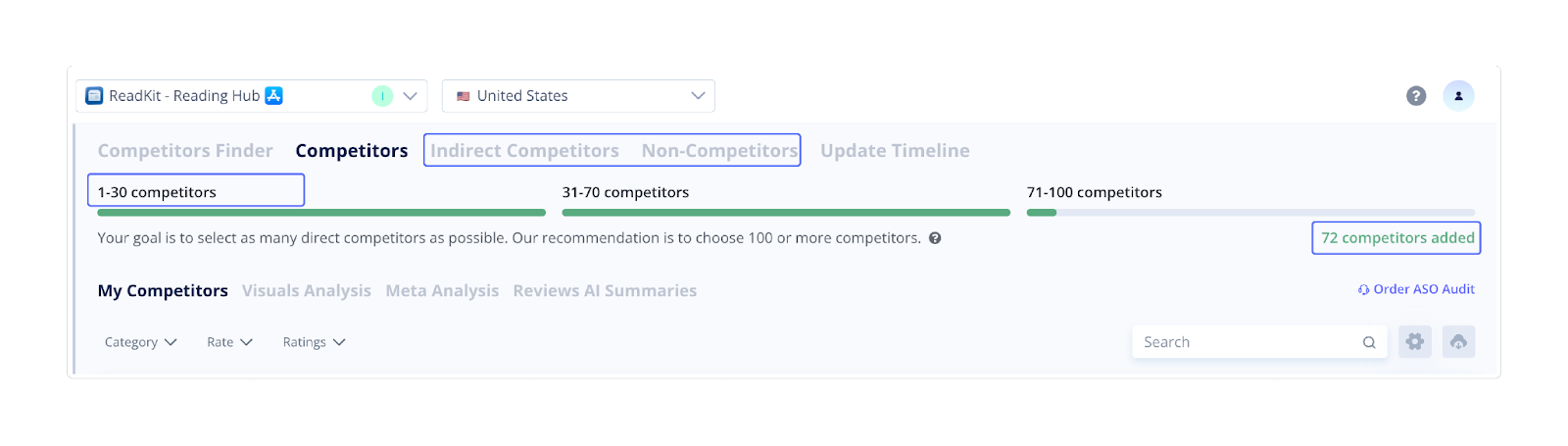
At the top of the page, you'll see how many competitors you currently track. The visual bar shows how close you are to recommended coverage.
From here, you can also access indirect competitors and noncompetitors if you want to review or update their status.
 2. Manage Your List
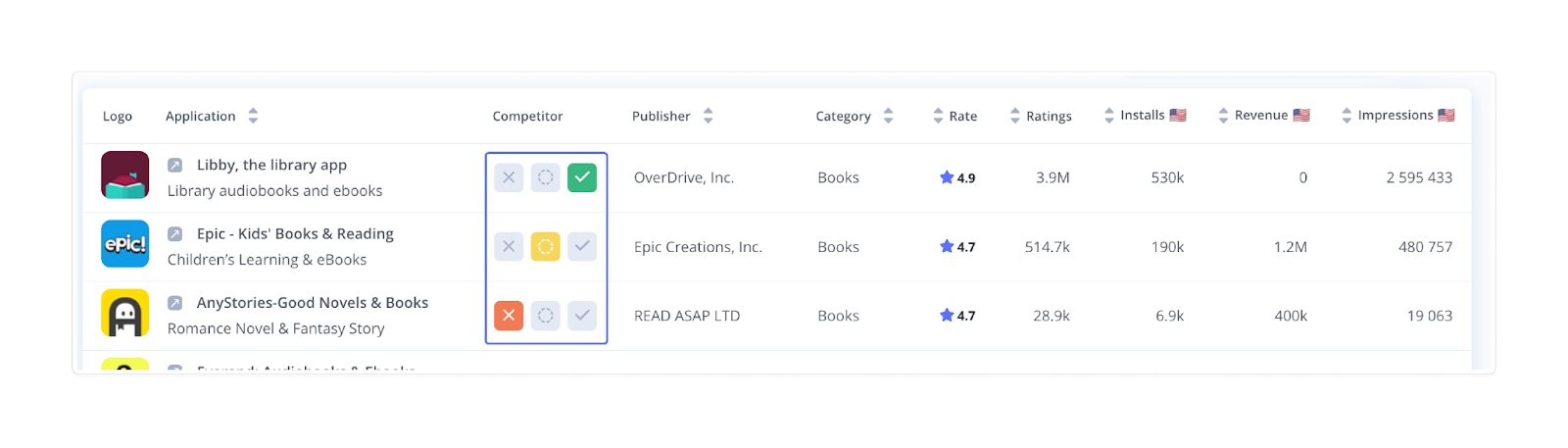
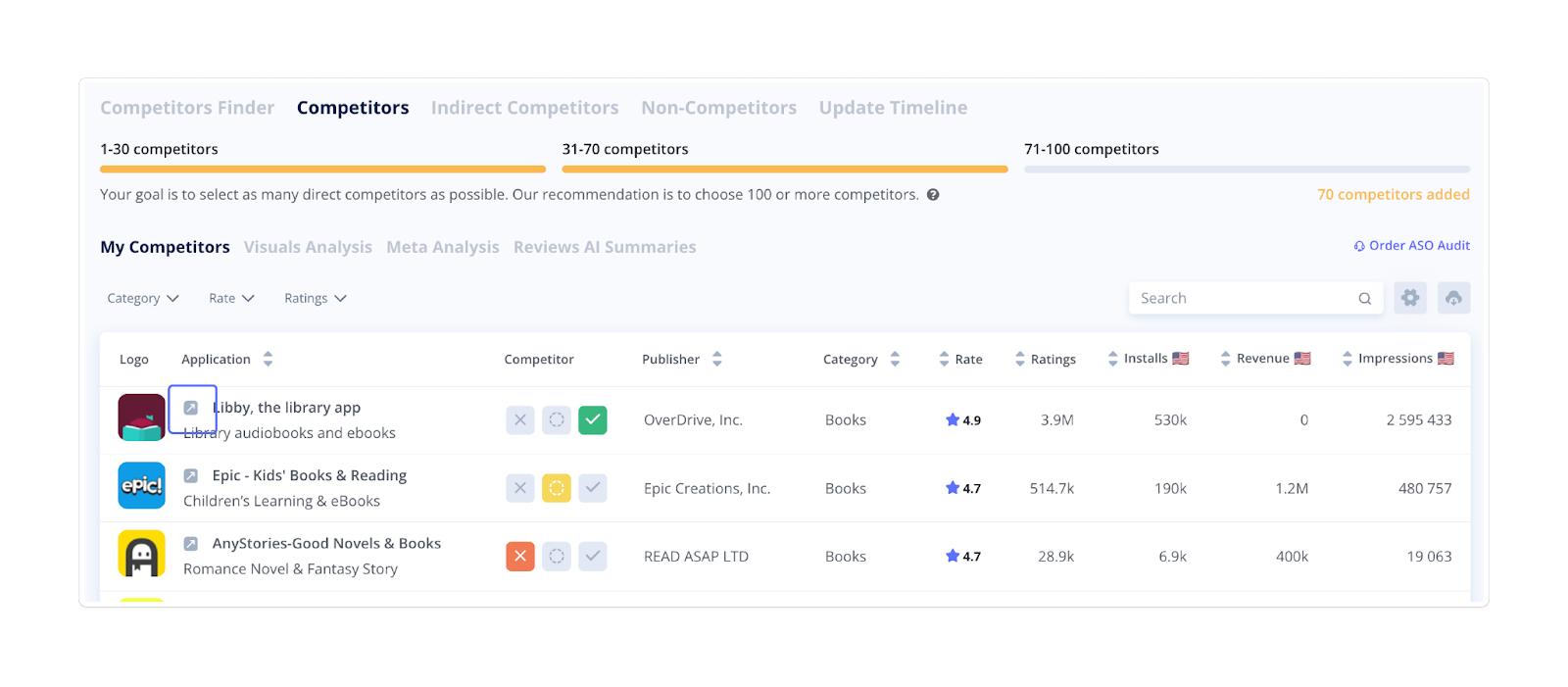
Use the icons in the Competitor column to change the status:
- Direct competitor – green checkmark
- Indirect competitor – yellow circle
- Noncompetitor – red cross
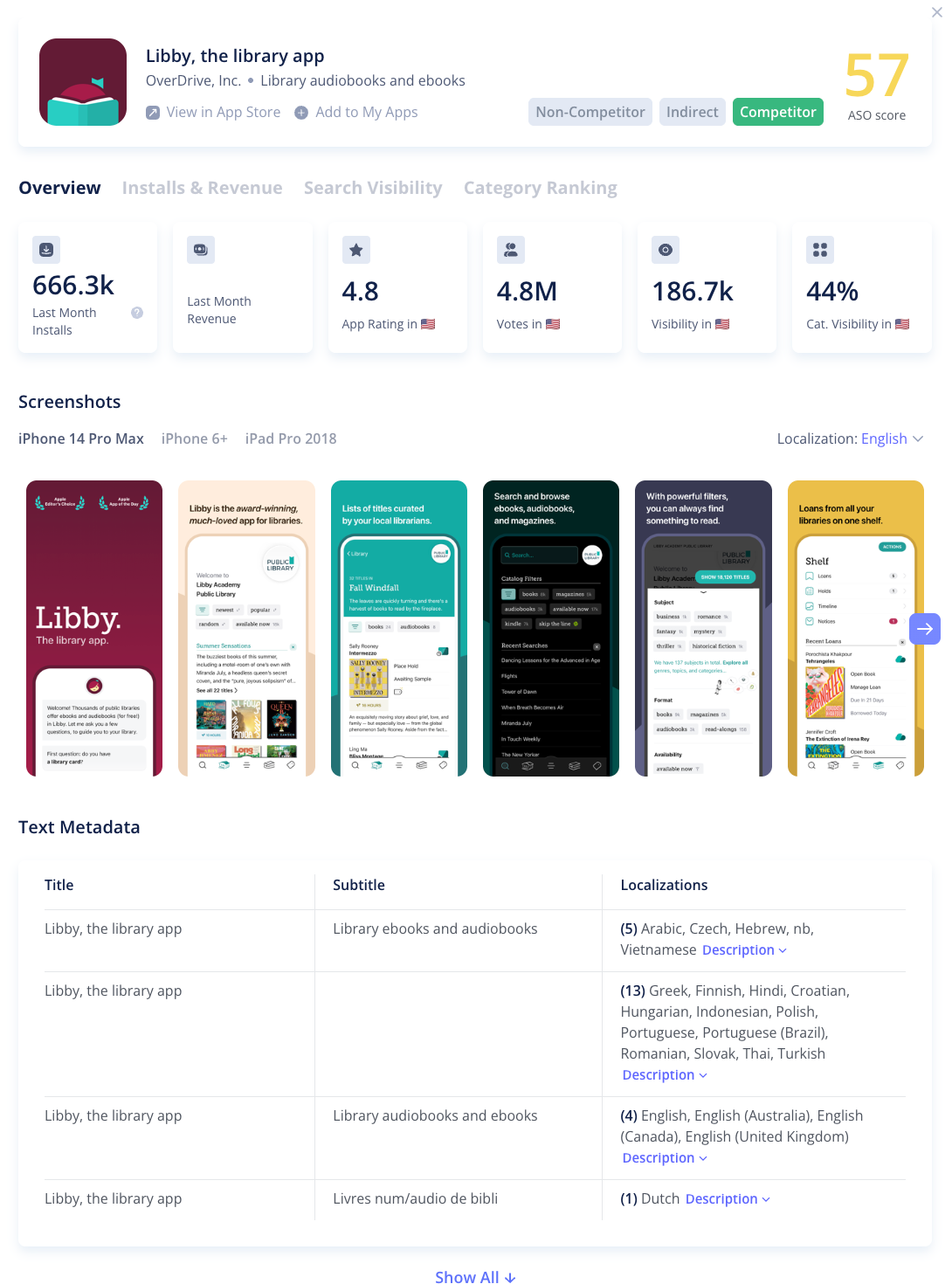
Clicking the arrow next to the name takes you to the app store page.
 3. Analyze Competitor Metrics
For each competitor, Asolytics displays last-month data, including:
- Category
- Average rating
- Total number of ratings
- Estimated installs
- Revenue
- Publisher
Use the sorting arrows in the table headers to reorder by installs, rating, revenue, or impressions to identify top performers and emerging threats. 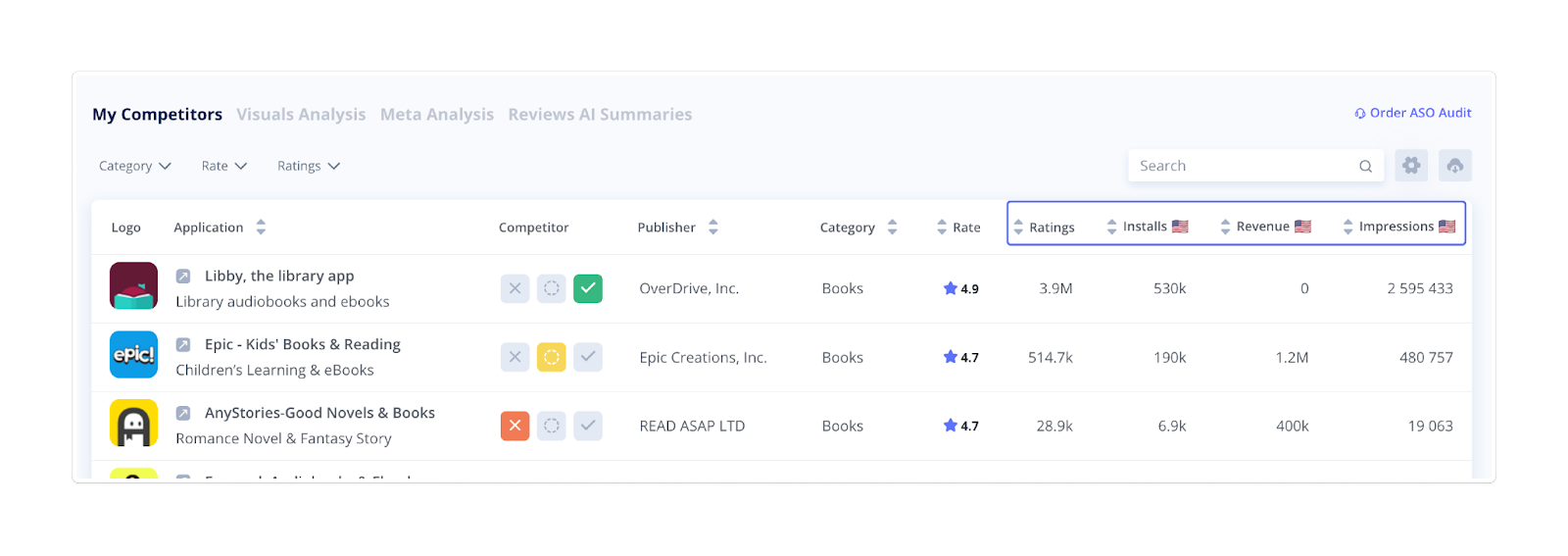
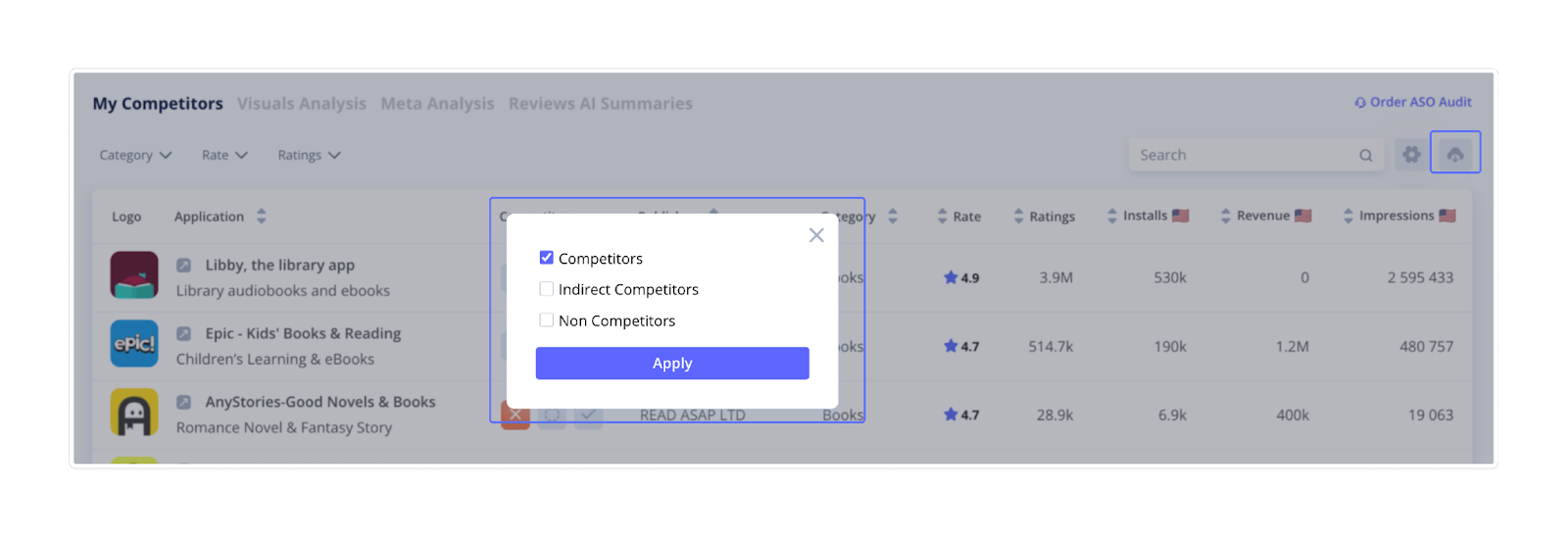
Click the Download icon above the table to export the information on your direct competitors, indirect competitors, and noncompetitors. Now, you can analyze this data outside the platform, share insights with your team, or use it in reports and presentations.